Nori
NoriJapanese
JLPT N5–N1
Start with songs you love,
all the way to the JLPT.
- Read along with J-pop and anime songs as the lyrics play.
- New to kana? Start with hiragana.
- Finish the level check to see your estimated score and pass chance.
Learn Japanese and Chinese through songs
Listen to songs you love.
Press and hold a new word to save it.
It comes back in reviews and questions.
From songs you love

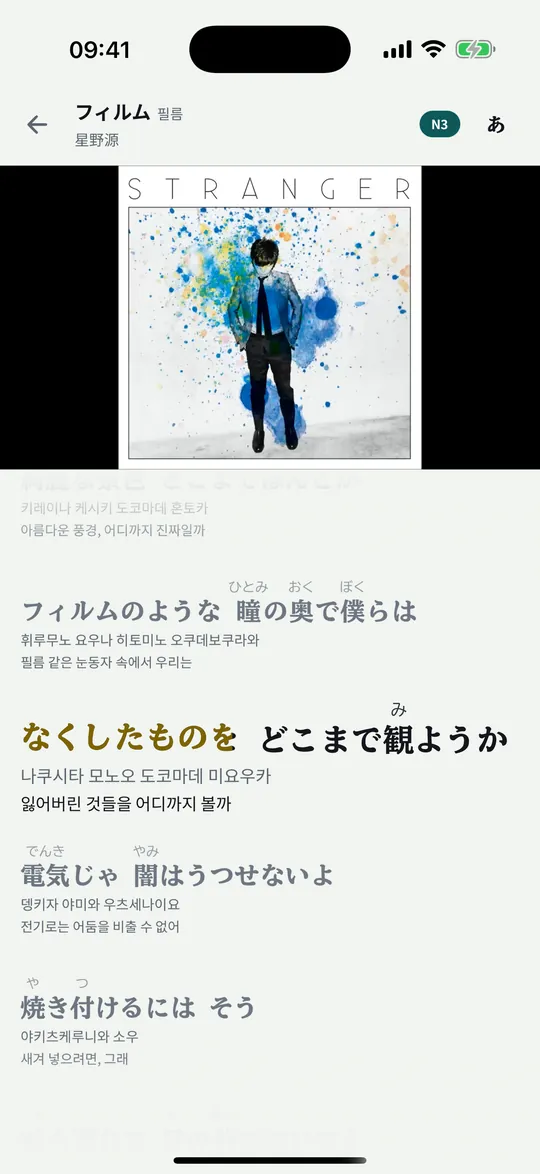
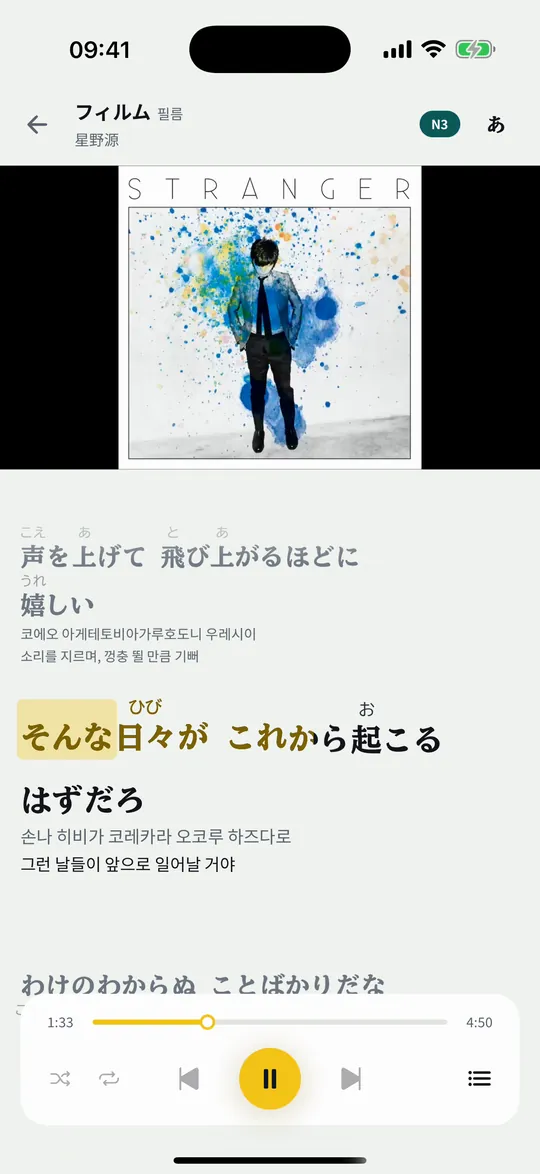
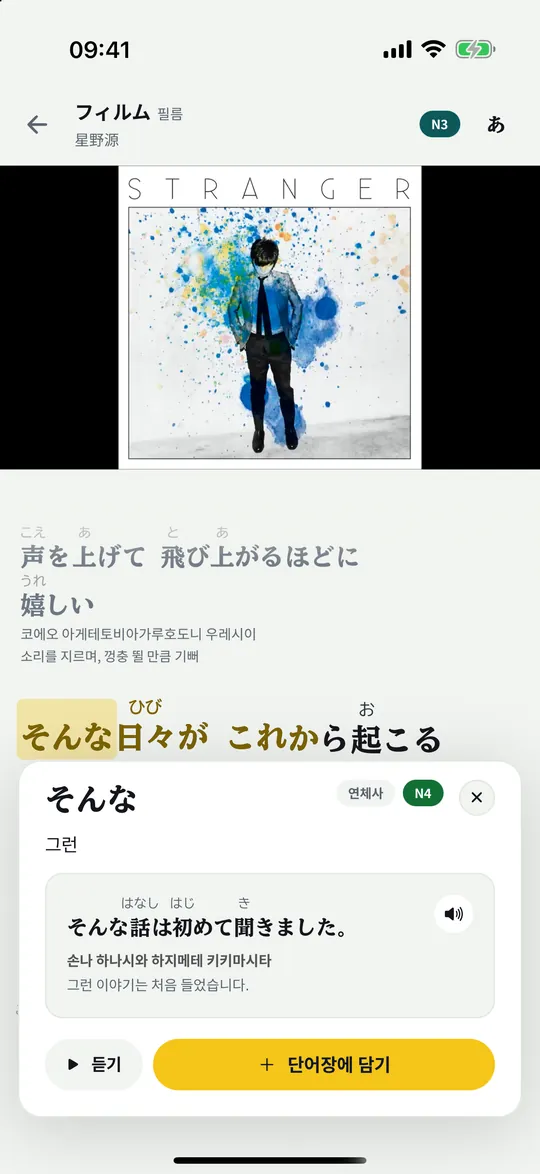
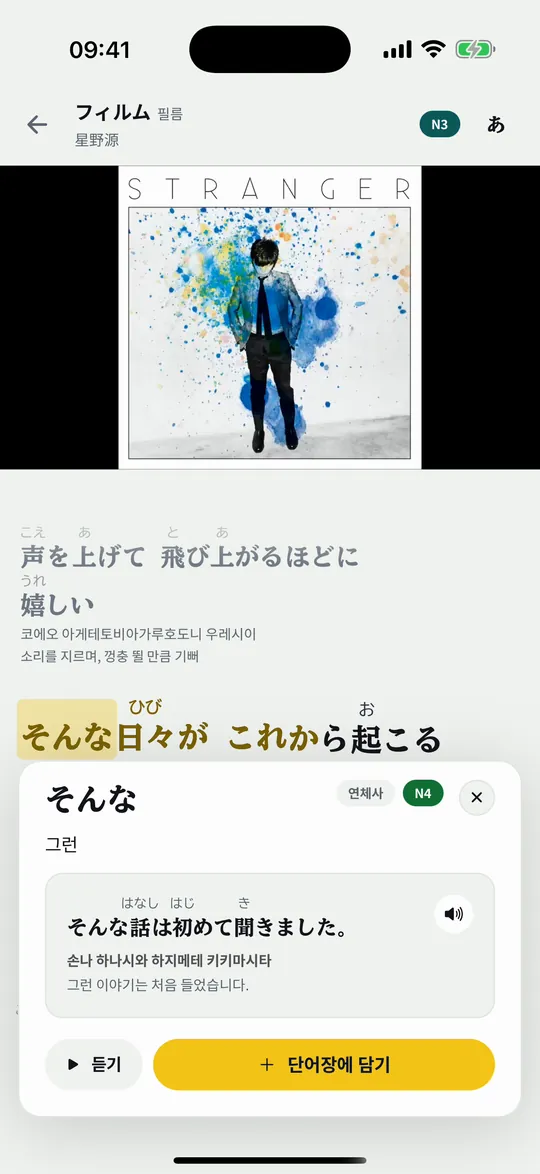
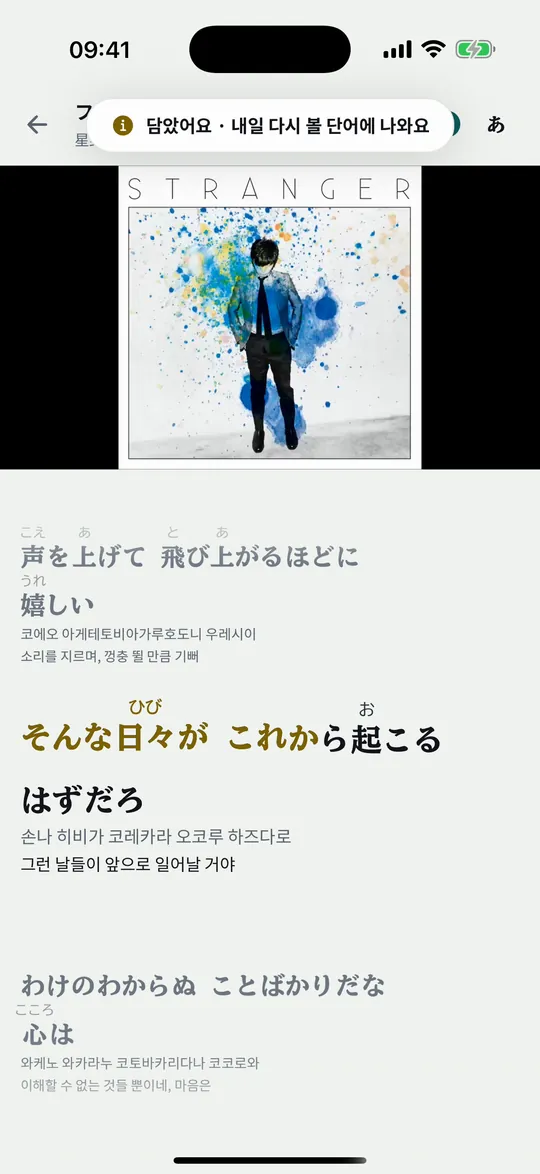
These are real screens from the Korean version of the app. Songs play through YouTube or Apple Music.
After you save a word
See what a word means and save it along with the song.
On the review card, hear the part of the song where the word appeared.
Answer exam questions that use the words you saved and reviewed.
Practice the question types you missed, and review the words you mixed up.

Words to review, new words, and what you found hard on exams, all in one flow.
Two languages, one app
JLPT N5–N1
Start with songs you love,
all the way to the JLPT.
New HSK 1 to 7–9
Start with the sounds,
all the way to the HSK.
Chinese songs are on the way.
You can switch the language you’re learning in the app at any time. Known words and target levels are kept separately for each language.
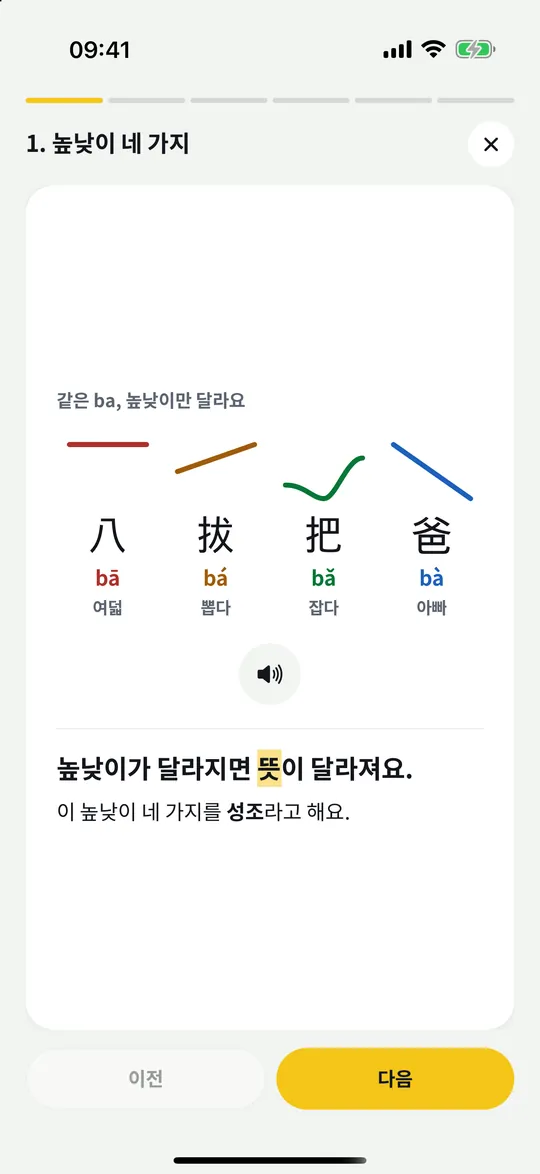
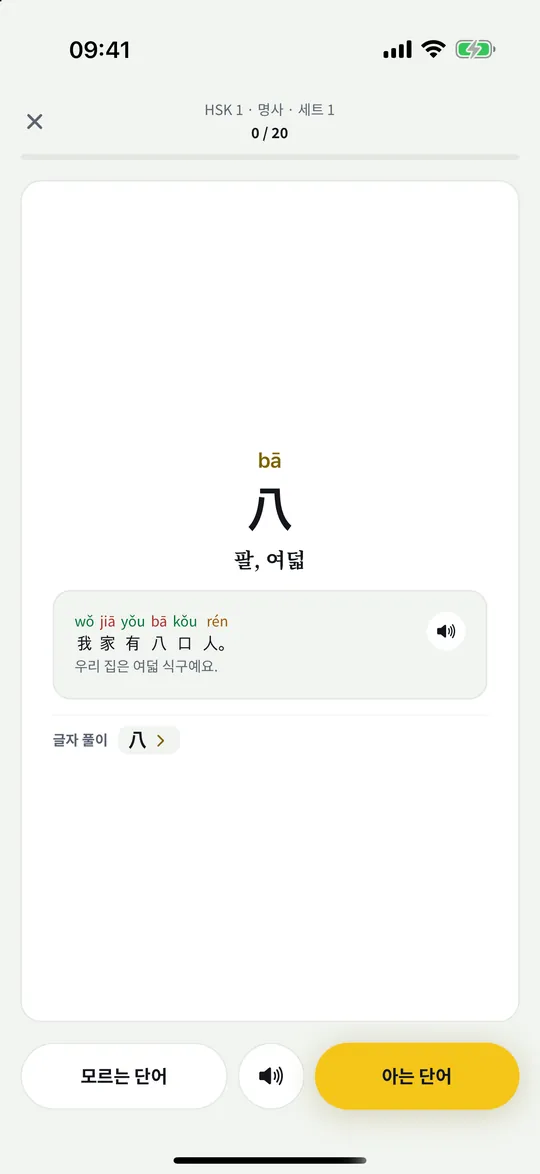
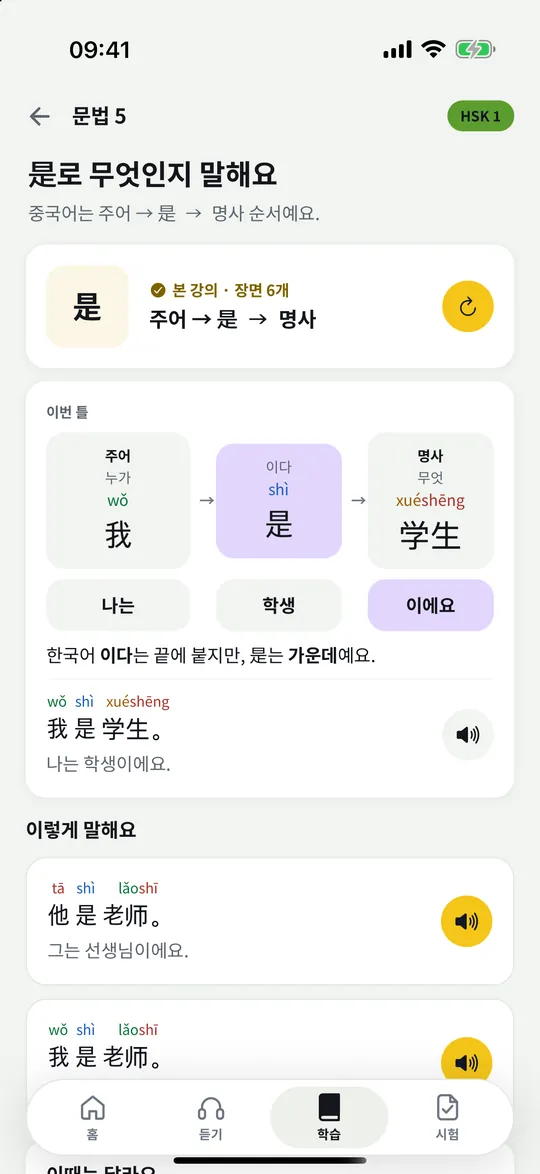
Real screens from the Chinese course, shown in the Korean version of the app.
Check what you’ve learned
Finish the level check to see your pass chance and estimated score for each level. As you do practice and mock exams, your records build up and show how much you’ve changed since last time.
Language Knowledge41 / 60
Reading39 / 60
Listening46 / 60
A made-up record to show how it moves.
The estimated score and pass chance are estimates calculated from the questions you’ve answered. They may differ from your real test results.
Nori made the mock exams itself, and is not affiliated with the JLPT organizers. You can take one full mock exam for each level for free.
A round now and then

Listen to the number a customer says and print the tickets.

Type the reading on each falling scroll to slash it.

Pick the right counter word for each plate and serve it.

Bring out words you know and keep the chain going with Nori.
Anywhere
Save words right as you listen. Check your words to review with a Home Screen widget.
Turn it sideways and the song screen opens into two columns. You can also play and move between lines with a keyboard.
Keep studying with your records on a bigger screen.
Start in your browser →An Android version is on the way. The app appears in Korean or English depending on your device language.
Free and Plus
Core features stay free, with no ads.
When you want to do more, without limits
You can subscribe to Japanese or Chinese alone, or to both together. First-time subscribers can get a 7-day free trial. Check the price on the purchase screen in the app before you pay. Subscriptions and billing are managed in the App Store.
Not yet. The Chinese course starts with pronunciation basics, HSK words, and grammar lessons. We’ll post on the Notices page when songs arrive.
Yes. When you switch the language you’re learning, your wordbook and Today’s study switch to that language. Your streak stays as one.
Listening to songs, lyrics, saving words, reviews, and Today’s study are free and have no ads. Games and some practice have a daily limit. For games, you get more rounds when you finish Today’s study, or when you choose to watch an ad. Nori Plus is subscribed per language you learn, or for both together. For the languages you subscribe to, you can practice without limits, and for Japanese you can take every JLPT full mock exam.
You can start the app without signing in. Sign in when you want to continue your records on another device or use speaking practice. In a browser, you need to sign in first.
You can also listen through YouTube videos. If you subscribe to Apple Music, songs keep playing even with the screen off or while you use other apps.
An Android version is on the way. For now, you can use it on iPhone and iPad, and in a browser.